Share, browse, and react to Claude Code sessions and plans.
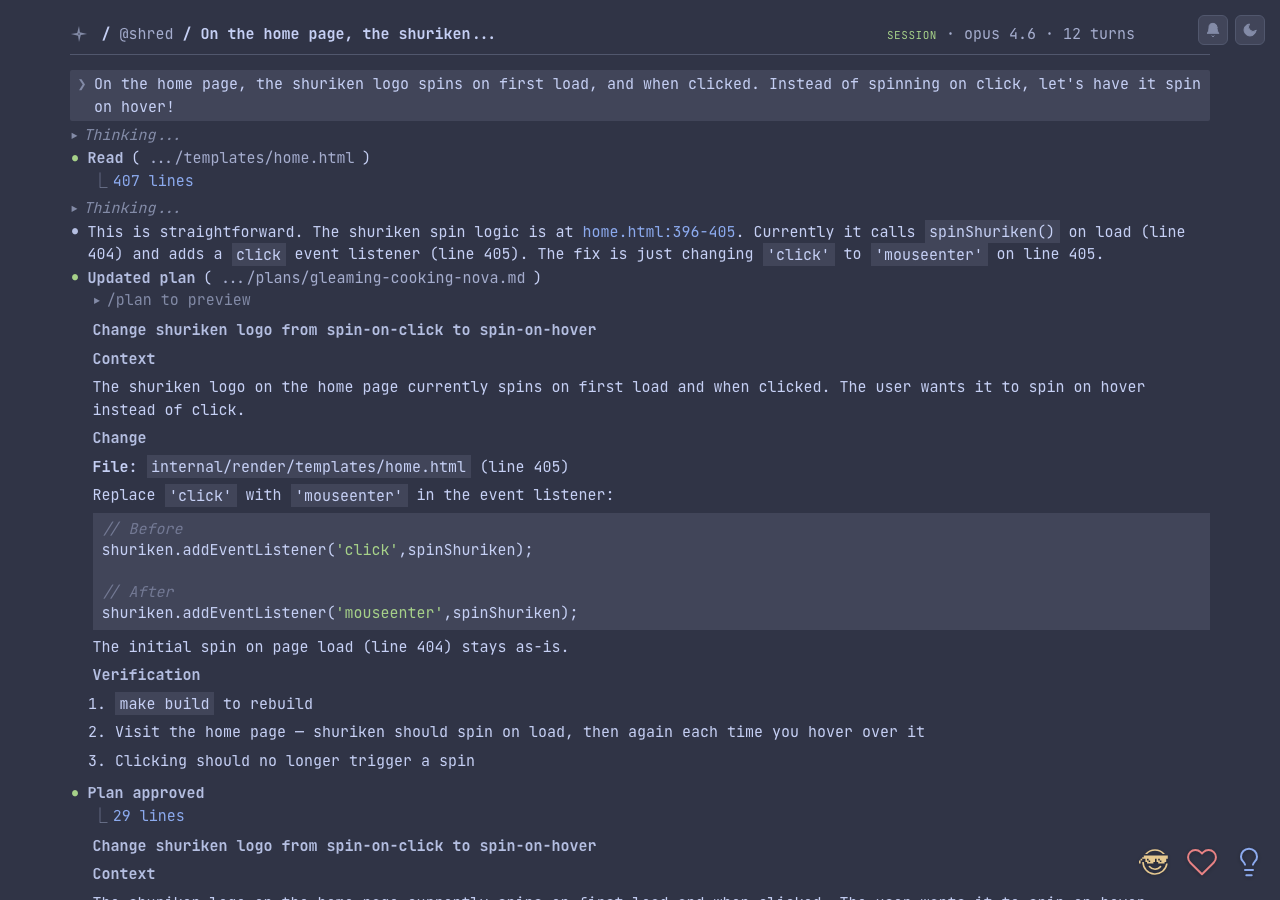
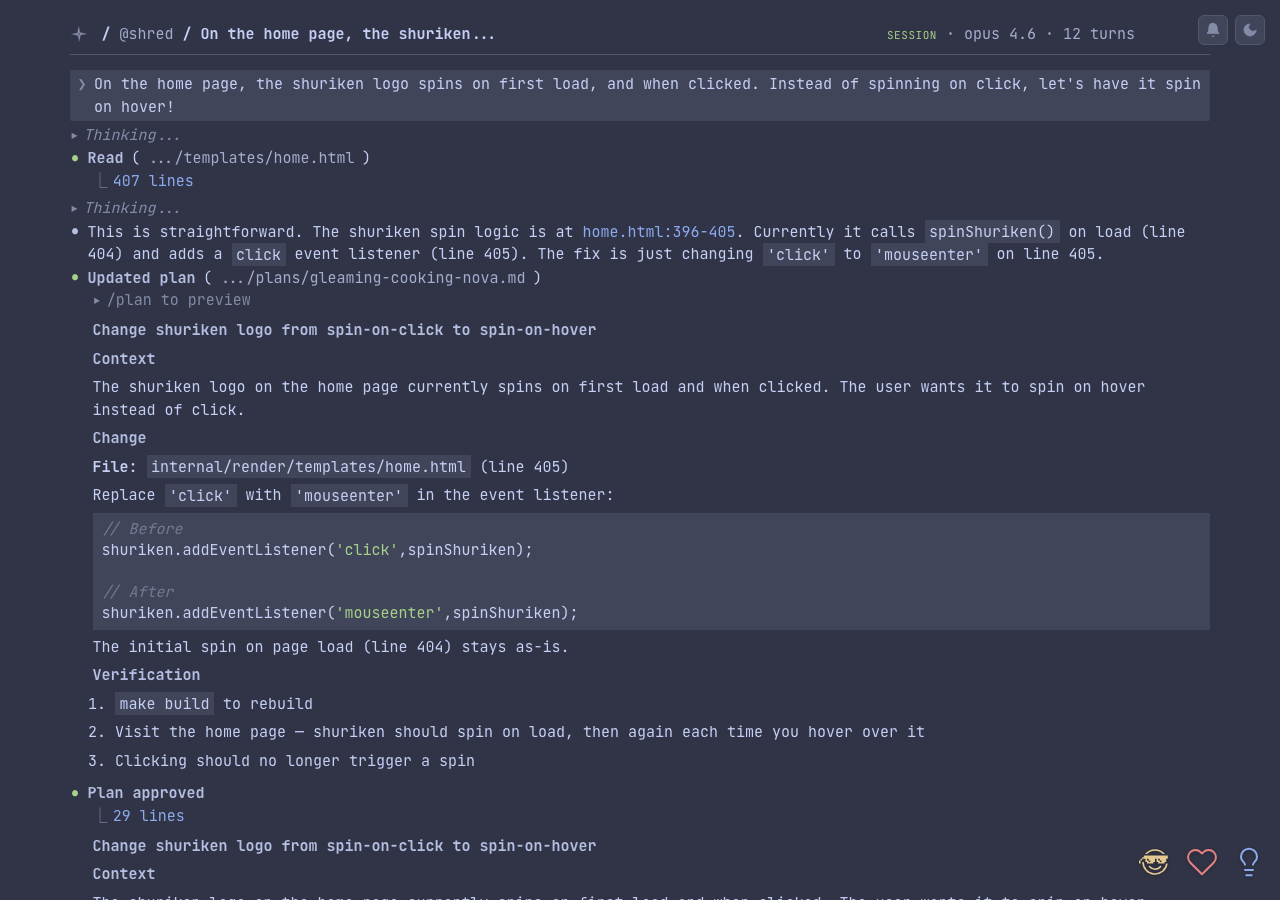
rockstar.ninja lets you push your Claude Code sessions and plans to the web with a single command. Sessions are rendered with full syntax highlighting, tool call details, and file context. Plans get version tracking and diff views.
Quick start
macOS users: Download the native app for a menu bar experience with auto-sync.
All platforms — install the CLI:
curl -fsSL https://rockstar.ninja/install.sh | sh
Push your first session:
rn session push
That's it. You'll get a URL you can share with anyone.
The first time you push a plan or session, rn automatically generates a keypair and registers your public key with the server.
What you can do
- Use the native macOS app — menu bar app with auto-sync, search, and visual push controls (learn more)
- Share sessions — push Claude Code conversations to a permanent, readable URL
- Share plans — push Claude Code plan files with automatic version tracking
- Control visibility — choose between private (just you), public (listed on your profile/feeds) and secret (unlisted) sharing
- Set expiration — content can auto-delete after a set duration
- Redact secrets — API keys, tokens, and passwords are automatically stripped before upload
- React — live emoji reactions via WebSocket on any shared session or plan
- Claim a username — get a profile page at
rockstar.ninja/@you
See it in action
- Example session — a real Claude Code conversation
- Example plan — a shared plan with version history
- @shred — the demo user profile