rn session push
Upload an AI session (Claude, Copilot) to rockstar.ninja.
rn session push [session-id]
Alias: rn s push
Arguments
If no session ID is given, rn selects the most recent discovered session across all available providers.
You can provide a full session UUID or a partial prefix to match.
Flags
| Flag | Short | Type | Description |
|---|---|---|---|
--title |
string | Custom title for the session | |
--expires |
string | Expiry duration (e.g., 24h, 7d, 30d) |
|
--public |
bool | Make the session publicly visible | |
--secret |
bool | Make the session secret (unlisted) | |
--private |
bool | Make the session private (only you can view) | |
--provider |
-P |
string | Restrict discovery to a provider (for example claude, copilot) |
--redact |
-R |
string | Literal string to redact (repeatable) |
--verbose |
-v |
bool | Show redaction details and timing |
Privacy
If no privacy flag is specified, the default from your config is used (see Configuration). The config default is secret.
- public — appears on your profile page, discoverable
- secret — only accessible via direct URL (the default)
- private — only accessible to you; others see a 404
Expiration
The --expires flag accepts duration strings like 24h, 7d, 30d, or 365d. After expiration, the session becomes inaccessible and is cleaned up by a background process.
If no expiration is set (and no default is configured), the session persists until you delete it.
Redaction
Secrets are stripped client-side before data leaves your machine. Your config file's [[redact]] rules are applied first, then any ad-hoc -R flags. The server intentionally does not apply its own redaction, because enforced patterns could interfere with how sessions are displayed — what you upload is what gets stored.
Use --verbose to see which redaction rules matched and how many replacements were made.
The -R flag is repeatable:
rn session push -R "my-secret-key" -R "another-secret"
Versioning
Pushing the same session again creates a new version. The URL stays the same — viewers see the latest version by default, with access to previous versions. If the session content hasn't changed since the last push, the upload is skipped and no new version is created.
Projects
When you push a session, it is automatically associated with a project based on your local project directory. For example, pushing from ~/Projects/my-app/ creates or links to a project named my-app. The project association is shown in the push output.
Session-linked plans
If a session contains writes to plan files (~/.claude/plans/*.md), those plans are automatically extracted and created or updated on the server during the push. The push output shows linked plans with their URLs:
Linking plans... Found 2 plan(s)
  → https://rockstar.ninja/p/xyz789abc012 (my-plan.md v1, created)
  → https://rockstar.ninja/p/abc456def789 (other-plan.md v3, updated)
Linked plans inherit the session's privacy level. They appear in the project timeline alongside sessions, ordered by the session's start time.
If you delete the session, any plans that were created exclusively by that session are also deleted. Plans that existed before the session (and were updated by it) are kept.
Streaming response
The push is streamed — you'll see progress for each step:
- Redacting secrets
- Compressing session data
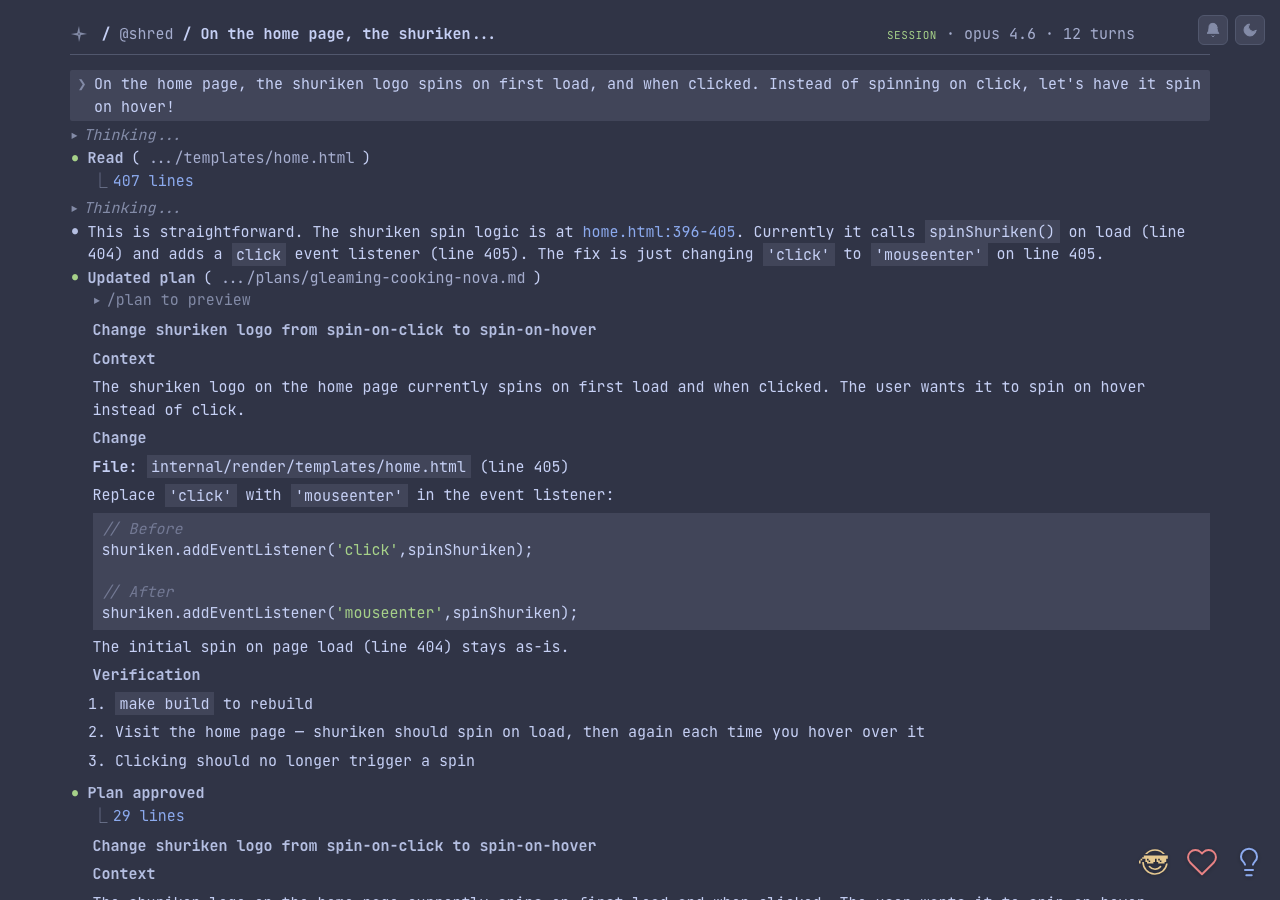
- Generating preview image
- Storing
Examples
Push the most recent session:
rn session push
Push with a title and 7-day expiry:
rn session push --title "refactoring the auth module" --expires 7d
Push a specific session publicly:
rn session push abc12345 --public
Push with ad-hoc redaction:
rn session push -R "sk-my-actual-api-key" -v