Profiles
If you set a username, you get a profile page at:
https://rockstar.ninja/@username
What's shown
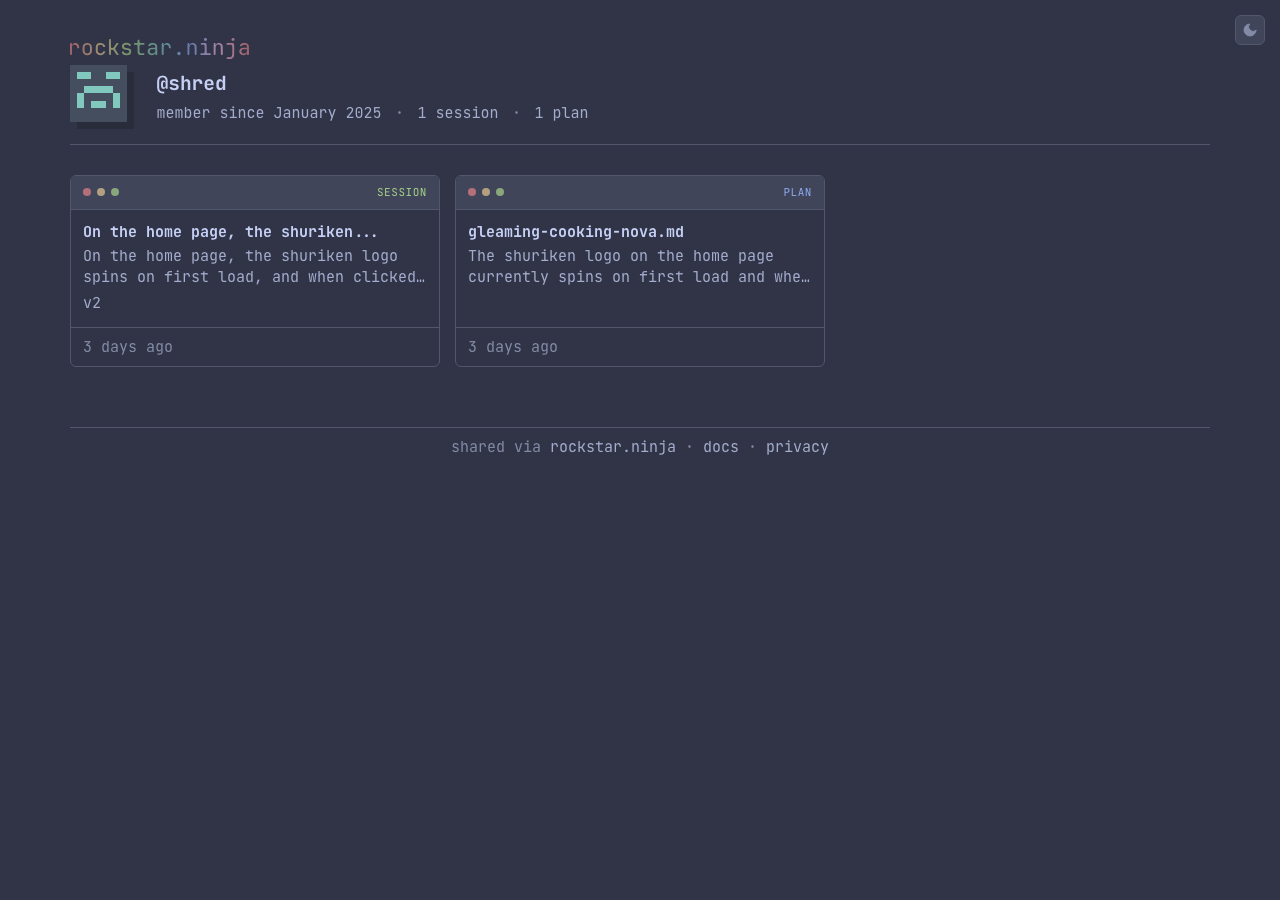
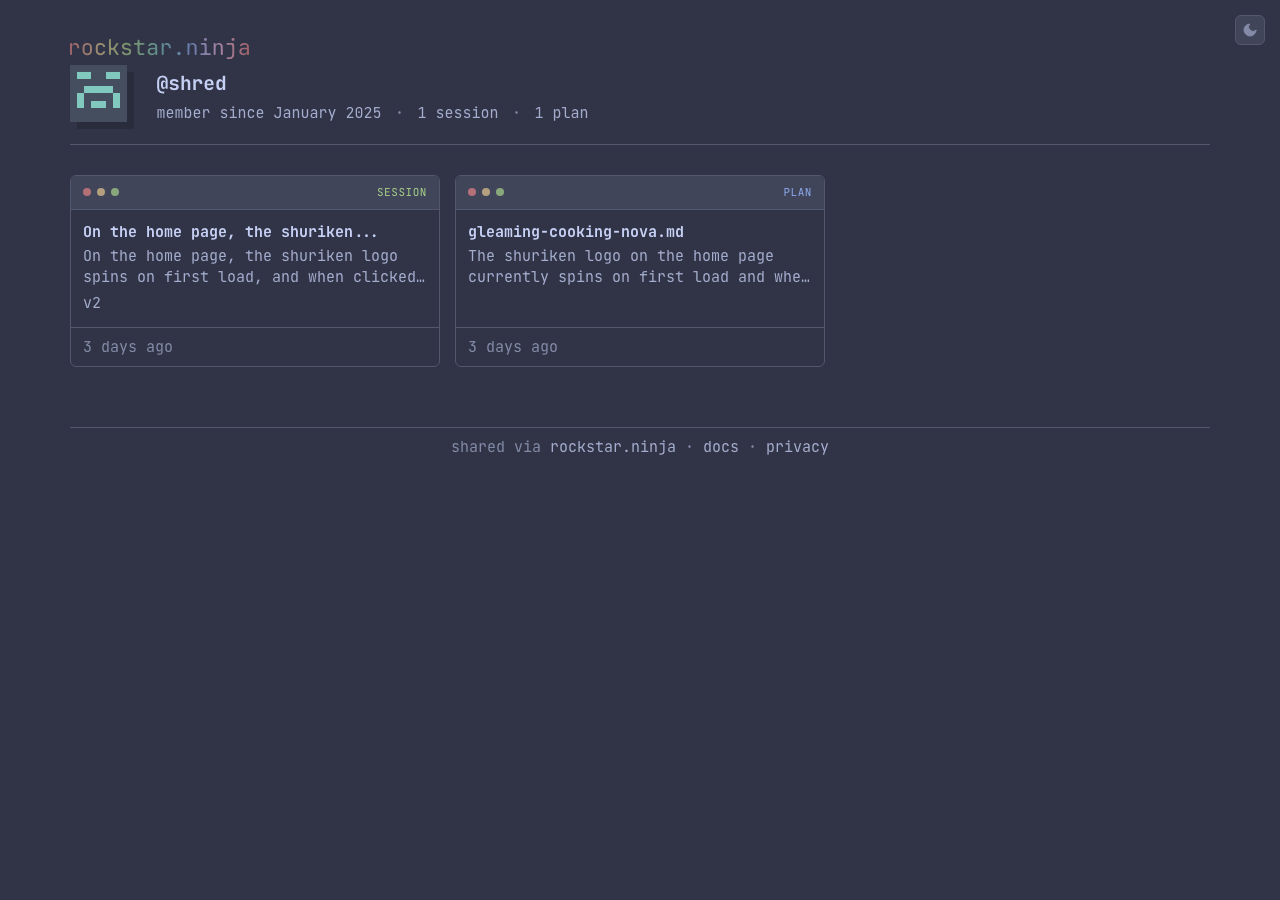
Your profile displays:
- Avatar — generated from your public key
- Username and member since date
- Public sessions, plans, and skills — shown as tiles in a responsive grid, with title, description, version count, and reaction counts
- Filter pills — filter by content type (sessions, plans, skills)
- Pagination — content is paginated if you have many shared items
Only public content appears on your profile. Secret sessions, plans, and skills are never listed.
Social previews
Every shared page has an auto-generated OG image for social media previews. These are terminal-styled PNG images (1200×630) using the Catppuccin palette and JetBrains Mono, showing a preview of the content along with the author's avatar.
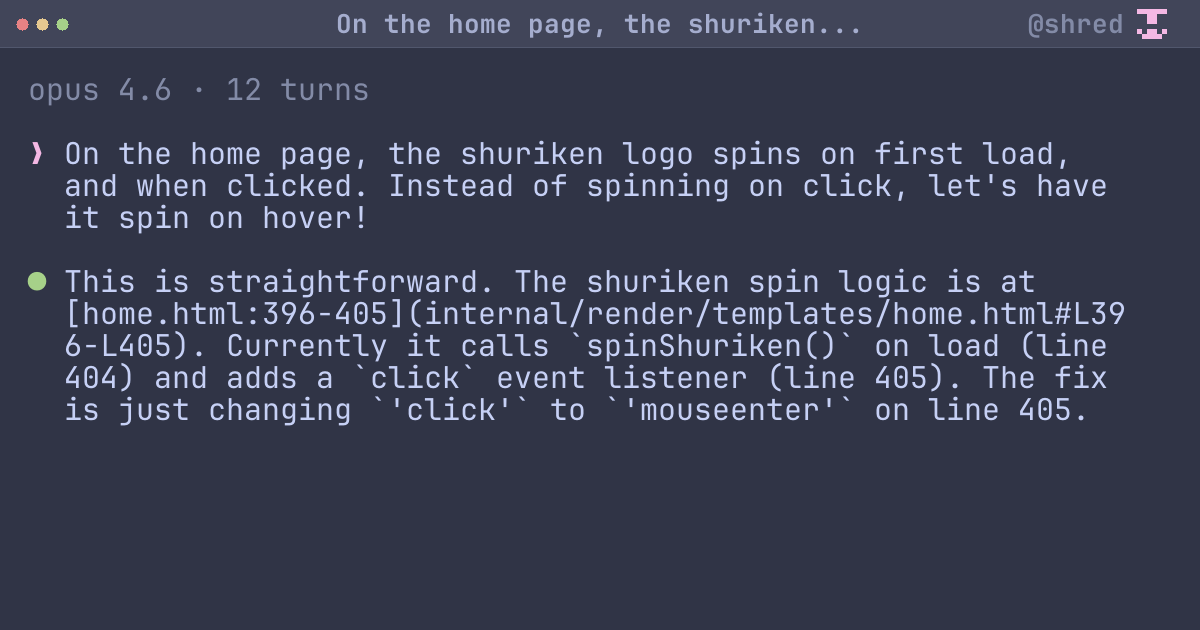
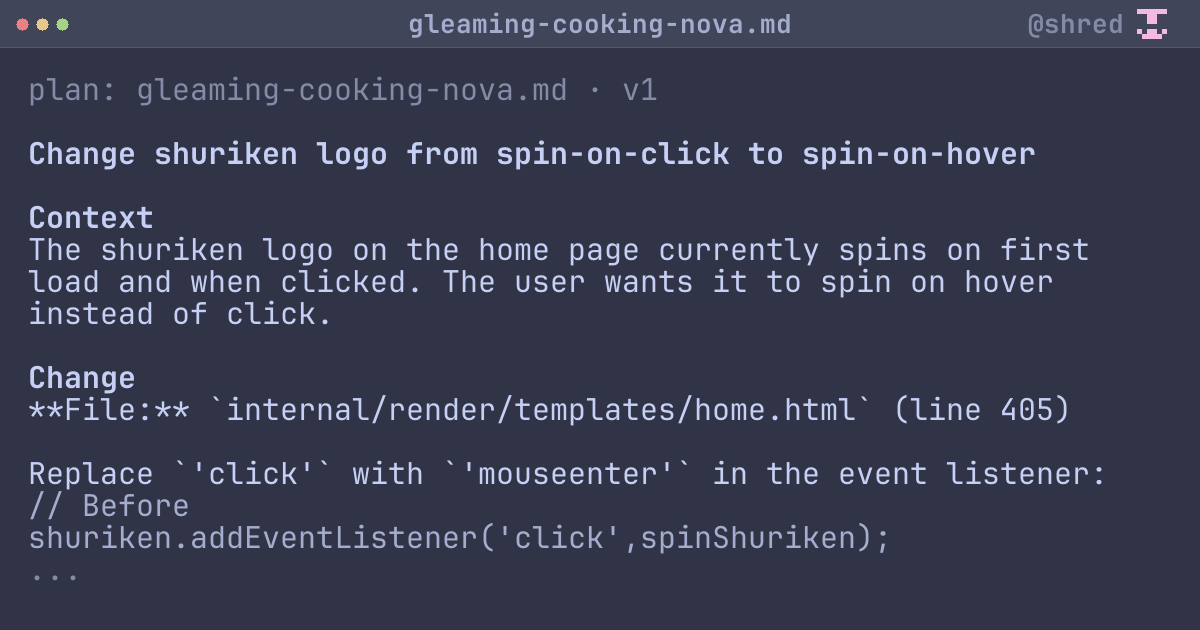
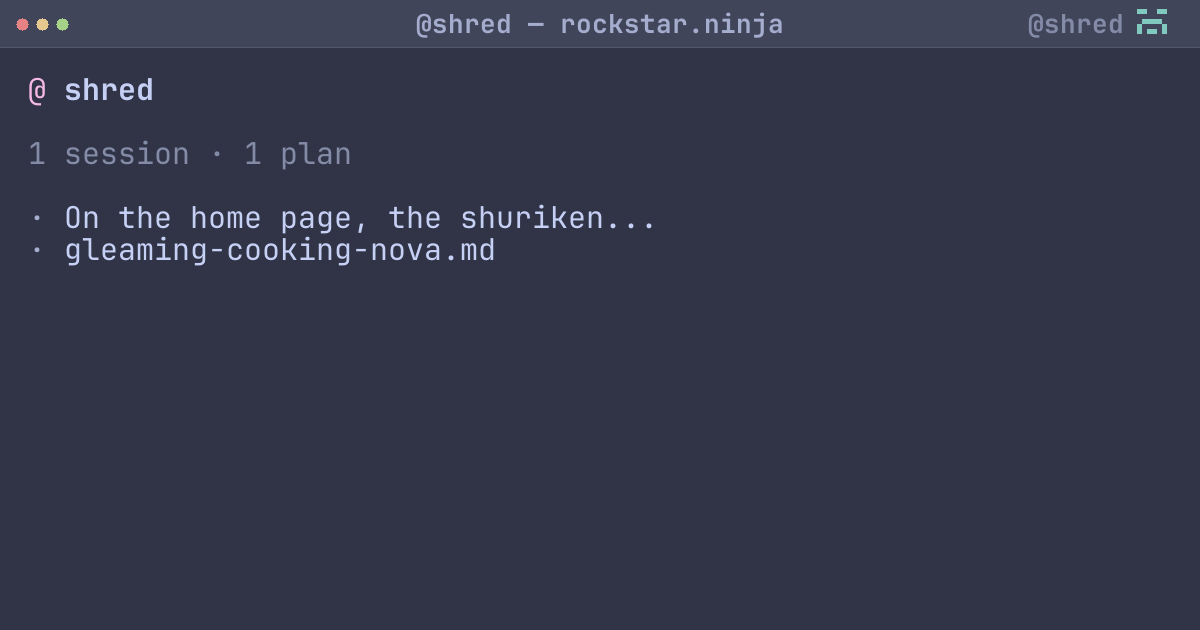
OG images are generated automatically on push and available at:
/s/{id}/og.png— session preview/p/{id}/og.png— plan preview/skill/{id}/og.png— skill preview/@username/og.png— profile preview
Atom feed
Your public content is available as an Atom feed at:
https://rockstar.ninja/@username/feed.xml
This includes your most recent 50 public items and can be used with RSS readers.
Reaction counts
Each tile on your profile shows aggregate reaction counts (formatted as 1.5k, 2.3k, etc.) across all versions.