Skills
Skills are shareable Claude Code custom slash commands. You can push skills to rockstar.ninja, share them publicly, and others can pull them into their own projects.
Skill directory structure
Each skill lives in its own directory under .claude/skills/:
.claude/skills/my-skill/
  SKILL.md          # Required: instructions and metadata
  helper.py         # Optional: supporting files
  template.json     # Optional: supporting files
Skills can be project-level (in your project's .claude/skills/) or global (in ~/.claude/skills/). Project-level skills take precedence over global skills with the same name.
SKILL.md
The SKILL.md file defines the skill. It can include optional YAML frontmatter:
---
description: Lint and auto-fix the current file
argument-hint: <filename>
---

Review the specified file for lint errors and fix them automatically.
Use eslint with the project's configuration...
- description — shown in skill listings and the web page
- argument-hint — displayed in Claude Code's autocomplete (e.g.,
/my-skill <filename>)
The markdown body contains the skill's instructions — what Claude Code executes when the skill is invoked.
Sharing skills
Push a skill to make it available on the web:
rn skill push my-skill
Public skills are discoverable by others and can be pulled using @username/skill references:
rn skill pull @alice/lint-fix
See Skill Push, Skill Pull, and Skill List for full CLI details.
Skill pages
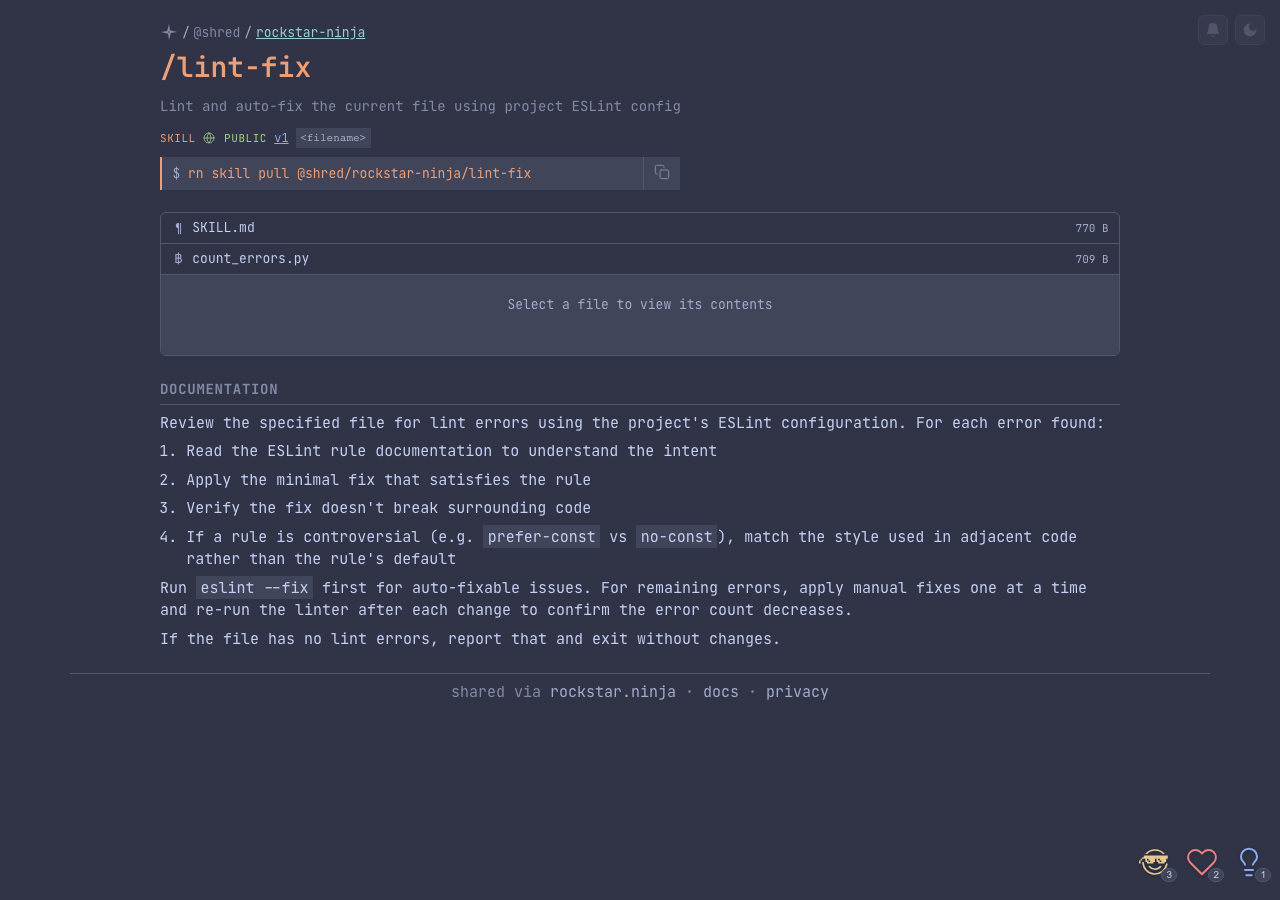
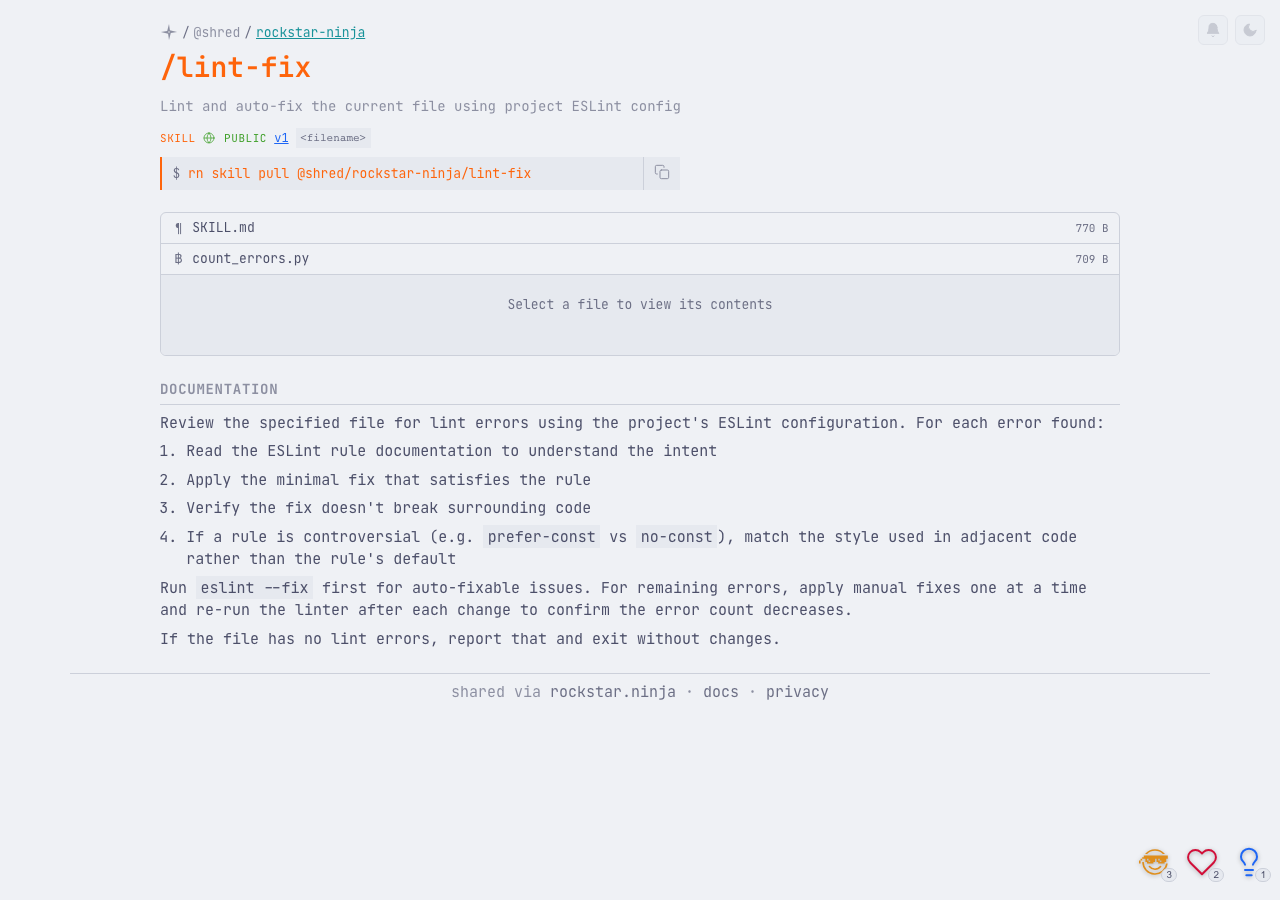
Each pushed skill gets a web page at rockstar.ninja/skill/{nanoid} with:
- Rendered SKILL.md content
- Interactive file browser for supporting files with syntax highlighting
- Version history and diff views
- Privacy badge and project association
- Copy-to-clipboard pull command
- Live emoji reactions
Versioning
Skills are versioned like plans — pushing the same skill creates a new version only if the SKILL.md content has changed. Each version captures the full set of files at that point. See Versioning for details on version history and diffs.
Privacy
Skills support the same three privacy levels as sessions and plans: public, secret, and private. See Privacy & Visibility for details.
Skills in sessions
When a Claude Code session invokes a skill, the session page shows skill badges indicating which skills were used. This makes it easy to see what custom commands contributed to a session's work.
Skills in projects
Skills can be associated with projects. When pushed from a project directory, the association is automatic. Skills appear on the project page alongside sessions and plans, and can be filtered on the dashboard and profile pages.