Dashboard
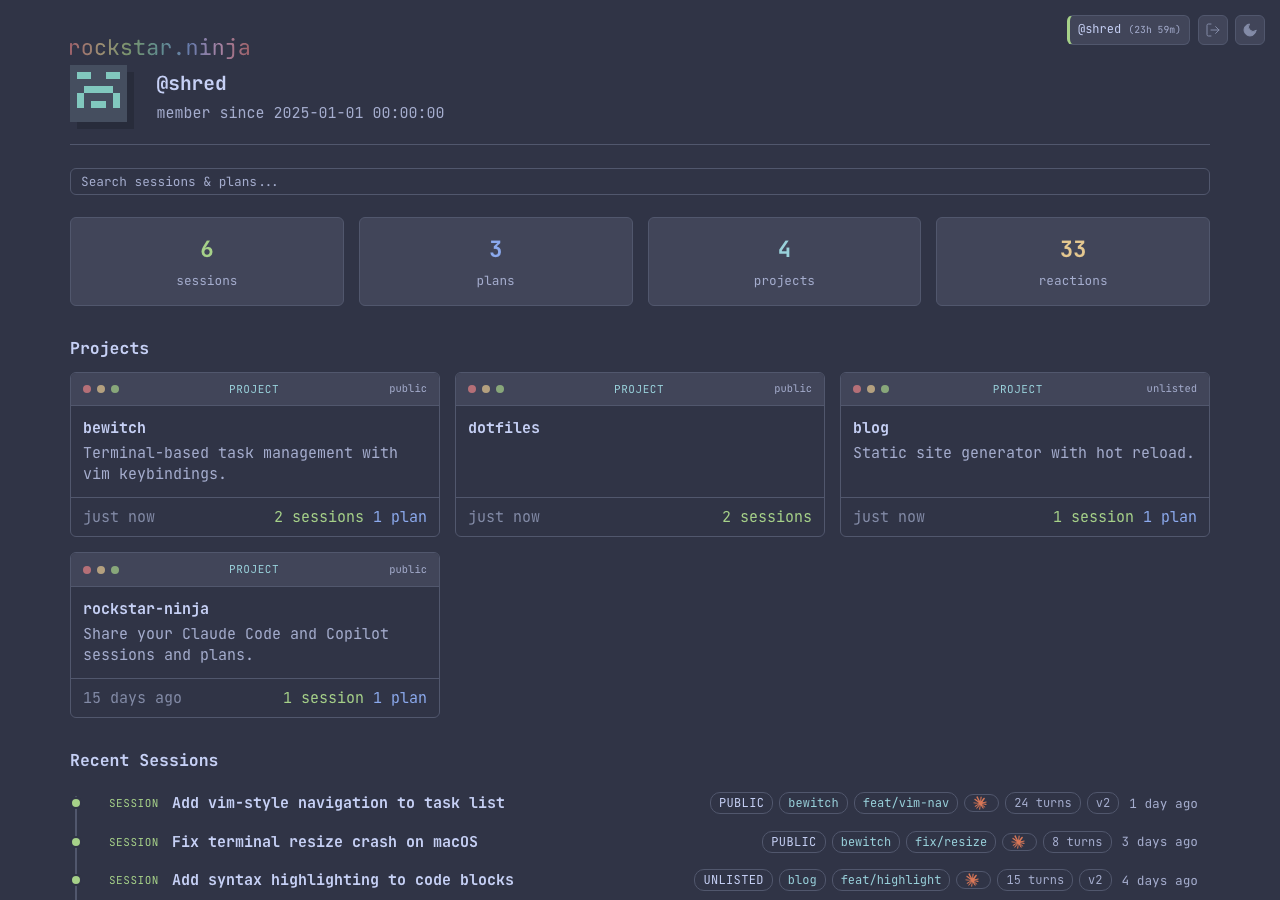
The dashboard is your private home page at /dashboard. It shows your stats, projects, recent activity, and provides fulltext search across all your pushed content. Access it by logging in with rn login.
Stats
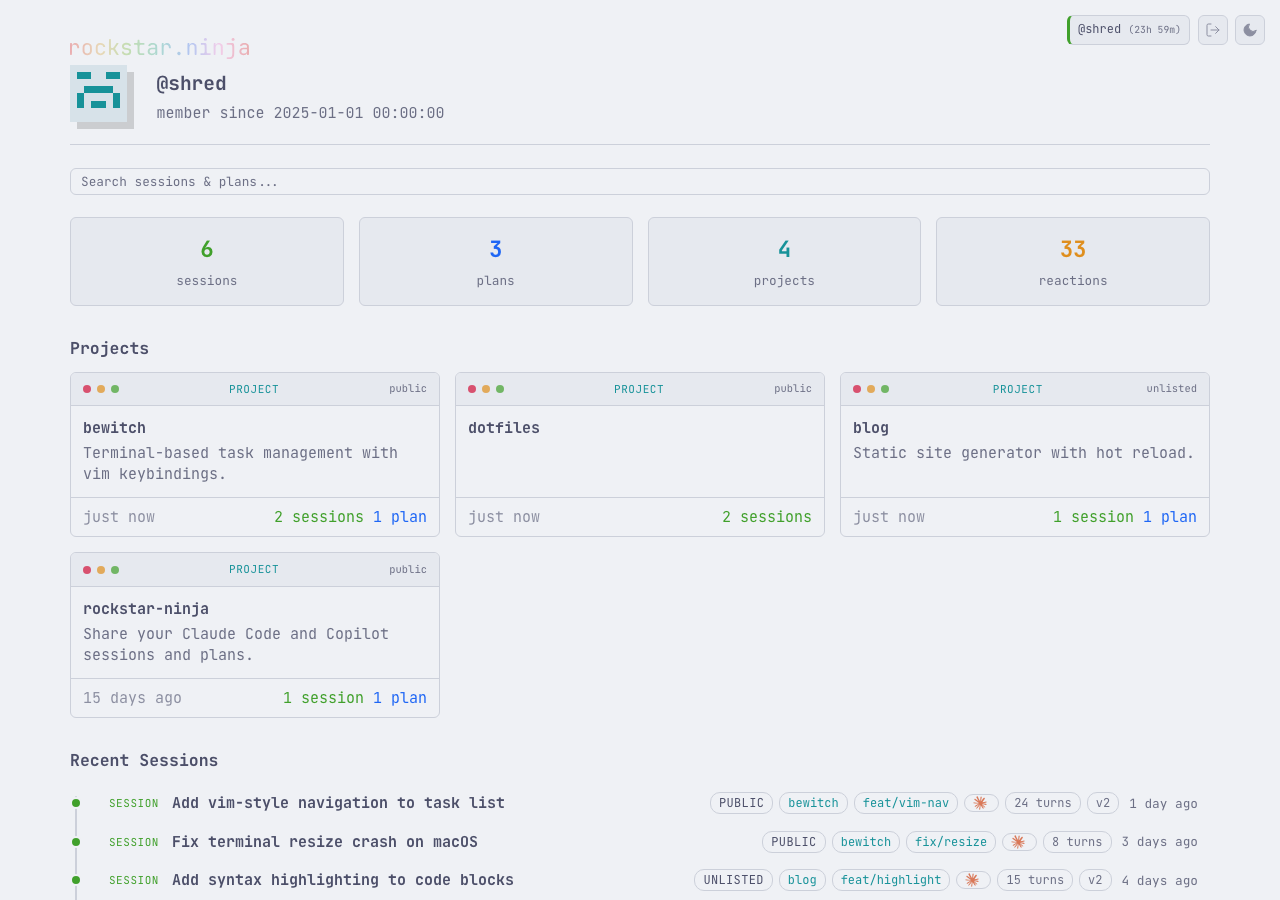
The top of the dashboard shows aggregate counts: sessions, plans, skills, projects, and total reactions across all your content.
Projects
Project tiles show each project's label, description, privacy level, and session/plan counts. Click a tile to open the project page.
Recent activity
Timelines of your most recent sessions, plans, and skills, showing titles, privacy pills, branch and provider badges, version counts, and relative timestamps. Skills appear as tile cards alongside sessions and plans.
Search
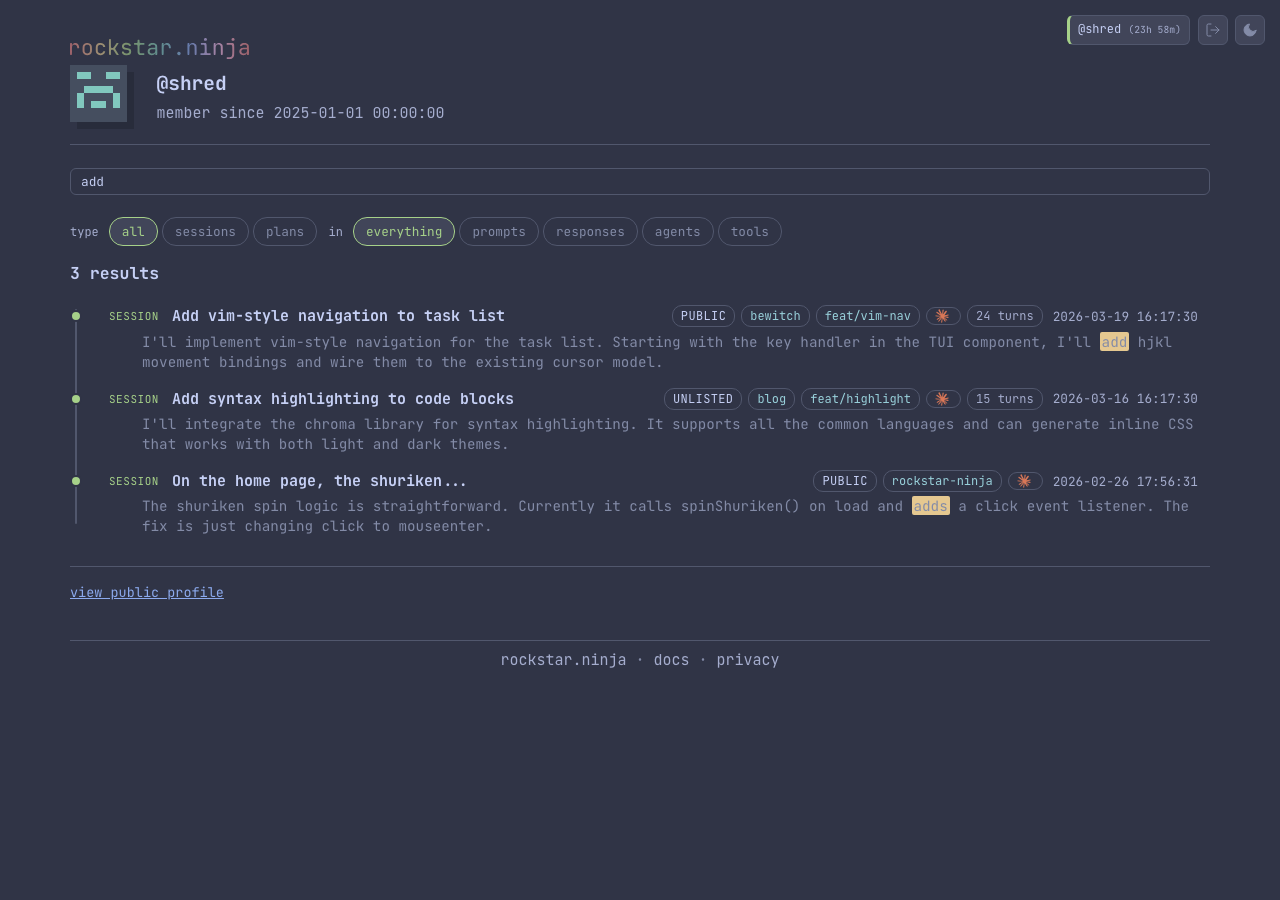
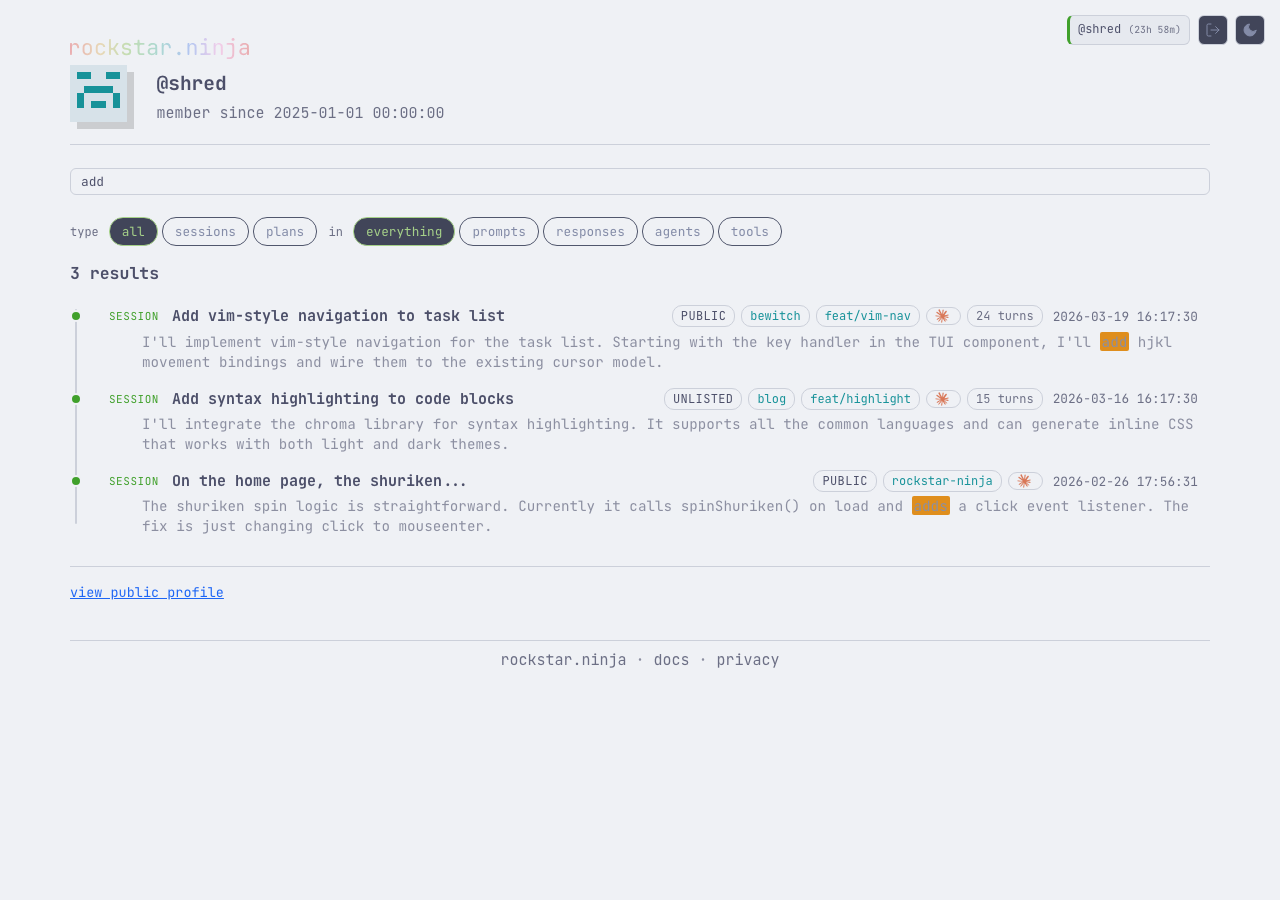
The search bar at the top performs live fulltext search as you type. Results appear inline with highlighted matching snippets.
Filter pills
When a search is active, filter pills appear below the search bar:
Type — narrow results to sessions, plans, or skills:
- All (default)
- Sessions
- Plans
- Skills
Scope — search within specific parts of the conversation:
- Everything (default)
- Prompts (your messages)
- Responses (Claude/Copilot replies)
- Agents (sub-agent messages)
- Tools (tool call outputs)
Filters update results live without a full page reload. The search query and active filters are reflected in the URL, so you can bookmark or share filtered views.
Navigation
When you're logged in, the shuriken logo in the breadcrumb bar links to the dashboard instead of the homepage.
CLI search
The same search is available from the command line with rn search. See the CLI search docs for details.